









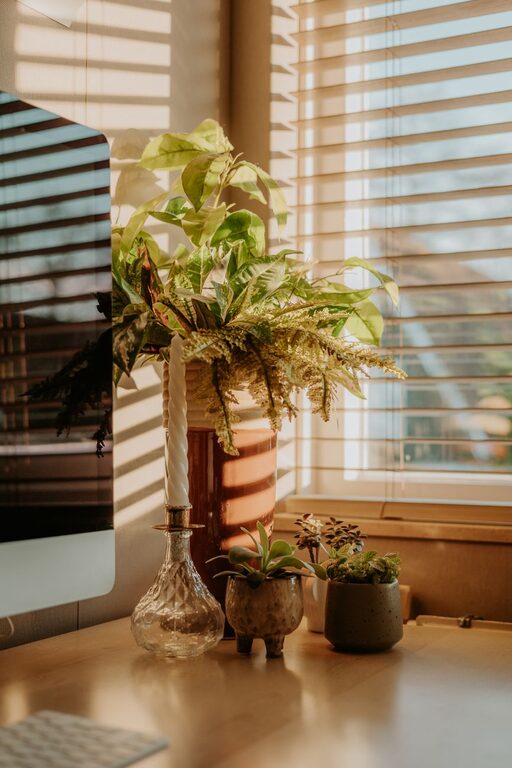
Creating a relaxing home workspace is more important than ever as many of us spend significant time working away from traditional office settings. A well-designed, calm environment can help improve focus, reduce stress, and ultimately boost productivity. Whether you have a dedicated room or just a small corner for work, the right setup can make a big difference. Here are some practical tips to help you create a workspace that feels both relaxing and conducive to getting things done.
Choose the Right Location
Where you set up your workspace matters a lot. Ideally, pick a quiet spot with minimal distractions. If possible, select a room or an area that can be exclusively for work. This helps your mind associate the space with focus and productivity.
– Avoid high-traffic areas where noise and interruptions are common.
– Ensure the spot has good natural light to help keep your energy up.
– If you don’t have a separate room, use room dividers, curtains, or furniture to create visual separation from living spaces.
Focus on Comfort
Comfort is key to maintaining your focus and avoiding fatigue. Choose furniture that supports good posture and allows you to work comfortably for extended periods.
– Invest in an ergonomic chair that provides lumbar support.
– Use a desk at the right height to prevent strain on your wrists and shoulders.
– Consider a standing desk or a convertible sit-stand option to change positions throughout the day.
Optimize Lighting
Lighting affects mood and energy levels. Natural light is best, but good artificial lighting can also make your space feel welcoming and boost alertness.
– Position your desk near a window if possible.
– Use daylight bulbs or soft white lighting to reduce eye strain.
– Avoid harsh overhead lights; instead, use a desk lamp for focused lighting on your work area.
Keep It Organized
Clutter can quickly create stress and distraction. An organized workspace helps your mind stay clear and your tasks manageable.
– Use storage solutions like shelves, drawers, and organizers to keep supplies tidy.
– Keep only essential items on your desk and store away paperwork.
– Regularly clean and declutter your space to maintain calmness.
Personalize Your Space
Adding elements that bring you joy can make your workspace more inviting and relaxing.
– Include plants to bring a touch of nature; they can improve air quality and reduce stress.
– Display a few personal items like photos or artwork that motivate you.
– Choose calming colors like soft blues or greens for décor or wall paint.
Manage Noise
Background noise can either bother or help, depending on your preference.
– Use noise-cancelling headphones or earplugs if you need quiet.
– Try soft background music or white noise if it helps you focus.
– Close doors and windows to block out unwanted sounds.
Take Breaks and Move
A relaxing workspace is not just about physical setup but also how you use it.
– Schedule regular breaks to stretch and rest your eyes.
– Consider placing a small area for quick exercises or stretches nearby.
– Keep a water bottle at your desk to stay hydrated and refreshed.
Technology Tips
Make sure your technology supports efficiency rather than causing frustration.
– Use a reliable internet connection to avoid interruptions.
– Keep charging cables and accessories organized to avoid tangles.
– Minimize digital clutter by organizing files and apps logically.
Final Thoughts
A relaxing home workspace is one that fits your needs and preferences, enabling you to work comfortably and efficiently. By thoughtfully setting up your space with attention to location, comfort, light, organization, and personalization, you create an environment that supports both your well-being and productivity. Start small, make adjustments as needed, and enjoy the benefits of a workspace that helps you bring your best work forward every day.